Help Center
Empowering Educators, Simplifying Learning - Your Questions, Answered.
Resource Library
AI in Education: A Teacher’s Guide
A practical guide for teachers to harness AI in education. Explore top classroom use cases, from lesson planning to student engagement. Get hands-on with 18+ AI tools designed to boost efficiency and transform teaching and learning.
Download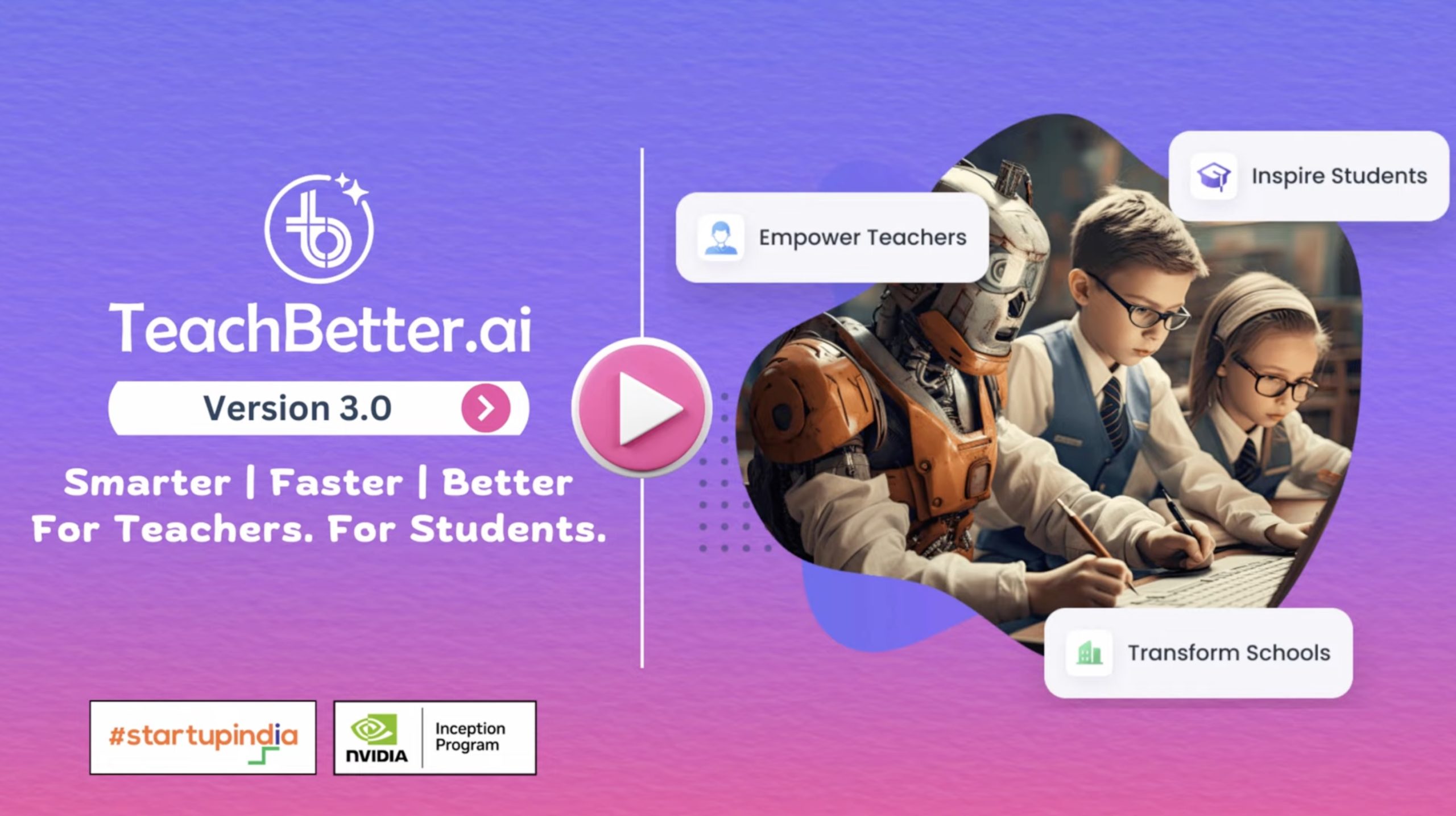
WavePort AI Hub Version 3 Launch
WavePort AI Hub introduces Version 3, with many significant upgrades. The platform now has 20+ AI Tools, Over 100 Interactive Simulations, and a Presentation Generator that can create full academic presentations with text, images & videos in seconds.
Watch Video
WavePort AI Hub 25-minute Demo
Experience WavePort AI Hub in this 25-minute demo. Discover the power of 20+ AI tools & 100+ Simulations — all in one easy-to-use platform for teachers and students. See how it makes education smarter and faster, helping you save precious time.
Watch DemoFrequently Asked Questions
WavePort AI Hub is an all-in-one AI-powered education platform built specifically for teachers, students, parents, and schools. Unlike general AI chat tools, it delivers structured, curriculum-oriented outputs such as lesson plans, quizzes, worksheets, presentations, concept explanations, and student reports.
Users simply enter guided inputs like subject, grade level, topic, and learning objectives. The platform then generates classroom-ready, academically aligned content within seconds. By replacing complex prompt writing with structured inputs, WavePort AI Hub simplifies preparation while ensuring consistency, clarity, and educational relevance.
ChatGPT and Gemini are general-purpose AI chat systems designed for broad use cases. WavePort AI Hub, however, is purpose-built for education and classroom workflows. It is structured around how teachers actually plan, teach, and assess.
Instead of open-ended conversations, it provides curriculum-aligned outputs, guided input fields, ready-to-use lesson materials, built-in academic tools like simulations and quizzes, and a student-safe environment. Teachers do not need to experiment with prompts — the system is already optimized for structured teaching outcomes.
For classroom-related tasks, WavePort AI Hub can effectively replace the need to use ChatGPT manually. Teachers often use general AI tools for lesson planning, worksheet creation, presentation outlines, feedback writing, and concept simplification.
WavePort AI Hub streamlines these tasks into structured workflows, eliminating trial-and-error prompting. It produces formatted, ready-to-implement outputs that align with academic standards, making it more efficient and practical for daily teaching responsibilities.
Google and YouTube provide vast amounts of information, but they require time to search, filter, verify, and organize. WavePort AI Hub generates structured, curriculum-focused content instantly without requiring manual research.
Instead of browsing multiple links or videos, teachers receive organized lesson plans, aligned examples, structured assessments, and simplified explanations tailored to their specific grade and subject. This significantly reduces preparation time while improving content quality and relevance.
Teachers use WavePort AI Hub as a digital teaching assistant to support daily preparation and classroom delivery. They generate weekly lesson plans, build quizzes, prepare structured presentations, simplify complex topics, and create revision materials.
Many educators use the platform to generate a strong starting framework, which they then customize according to their teaching style. This approach improves efficiency while maintaining creativity, engagement, and instructional control within the classroom.
Teachers often spend several hours each week on repetitive tasks such as lesson structuring, worksheet formatting, assessment preparation, presentation building, and report writing. These tasks, while necessary, can be time-intensive.
WavePort AI Hub automates these processes through structured AI generation, enabling educators to produce high-quality materials in minutes instead of hours. Many teachers report saving multiple hours per week, allowing them to focus more on student interaction and personalized instruction.
Yes. WavePort AI Hub generates comprehensive lesson plans that include learning objectives, teaching steps, classroom activities, real-life examples, discussion prompts, and assessment strategies.
The lesson plans are structured and classroom-ready, but teachers retain full flexibility to edit, refine, or expand them as needed. This combination of automation and customization ensures both efficiency and professional control over instructional design.
WavePort AI Hub generates content aligned to grade level, subject context, and academic expectations. Teachers can tailor outputs to match their specific board requirements or institutional guidelines.
The system ensures that explanations, examples, and assessments remain age-appropriate and conceptually accurate. This alignment makes it suitable for structured academic environments while still allowing educators to adapt content to their unique classroom needs.
Yes. The platform can instantly create a variety of assessments including multiple-choice questions, short and long-answer questions, fill-in-the-blanks, true/false questions, and concept-based evaluations.
Teachers can adjust difficulty levels and focus areas to match learning objectives or exam preparation needs. This flexibility allows educators to quickly generate practice material, homework assignments, or revision tests without starting from scratch.
Yes. The Presentation Generator produces structured, slide-wise content including topic breakdowns, key points, explanations, and suggested visual elements to support learning.
Teachers can easily transfer this content into PowerPoint or Google Slides, significantly reducing manual slide preparation time. The structured format ensures clarity, logical flow, and instructional coherence during classroom delivery.
Yes. WavePort AI Hub operates within a controlled academic environment designed specifically for education. Unlike open AI tools, it does not display ads, unrelated web results, or distracting content that may lead students away from learning objectives.
The platform generates structured, age-appropriate academic outputs aligned to classroom needs. By limiting exposure to irrelevant or unsafe information, WavePort AI Hub significantly reduces the risks often associated with unrestricted AI or open internet usage.
WavePort AI Hub offers 20+ AI-powered tools designed specifically for teaching and learning. These include the Lesson Planner, Quiz & Worksheet Generator, Presentation Generator, Concept Explainer, Doubt Solver, Concept Mastery Coach, Personalized Report Generator, Science Lab, Chat with Documents, Web Search Assistant, and 100+ interactive simulations across subjects.
Each tool is structured to generate curriculum-aligned, classroom-ready content while encouraging conceptual understanding and active learning. Together, these tools create a comprehensive AI ecosystem that supports lesson preparation, assessment, student engagement, and personalized learning in a safe
Yes. Students can independently use WavePort AI Hub to clarify doubts, simplify complex topics, practice quizzes, explore interactive simulations, and revise subjects at their own pace.
The platform supports self-directed learning while maintaining academic structure and safety. Because outputs are educationally aligned and distraction-free, students can build confidence and deepen understanding without needing constant supervision.
WavePort AI Hub supports a wide range of subjects including Mathematics, Science, Languages, Social Sciences, Humanities, General Knowledge, and project-based learning topics.
The platform adapts explanations, examples, and assessment formats based on the selected subject and grade level. This flexibility allows it to cater to diverse classroom needs across multiple disciplines and academic stages.
Yes. WavePort AI Hub allows content to be generated and translated into 80+ languages. This makes it suitable for multilingual classrooms and diverse educational environments.
Teachers can create learning materials in English and translate them as needed to support regional or language-specific requirements. This feature enhances accessibility and inclusivity across different learning contexts.
WavePort AI Hub includes 100+ interactive simulations designed to make abstract concepts more visual and experiential, particularly in subjects like Science and Mathematics.
These simulations help students explore ideas through interactive models rather than passive reading. By combining visual learning with structured explanations, they enhance engagement, improve conceptual clarity, and support better retention of complex topics.
Yes. Through tools like Chat with Documents, users can upload PDFs or other supported files and interact with the content directly.
The platform can generate summaries, explanations, question sets, or simplified breakdowns based on the uploaded material. This is particularly useful for analyzing textbooks, study guides, worksheets, or curriculum documents efficiently.
Yes. WavePort AI Hub supports exam preparation by generating practice questions, revision materials, concept summaries, and self-assessment quizzes aligned to specific topics.
Students can identify weak areas, practice different question formats, and strengthen understanding before exams. Teachers can also generate mock tests or focused revision content to support structured exam readiness.
Yes. WavePort AI Hub adjusts vocabulary, explanation depth, examples, and complexity based on the selected grade level.
It supports foundational learning for primary students while also generating more detailed, analytical content for middle and senior grades. This adaptability ensures that the platform remains relevant across the entire academic spectrum.
Yes. WavePort AI Hub provides institutional-level access where schools can purchase bulk licenses and manage multiple teacher accounts centrally.
Administrators can assign or unassign users, monitor activity, and manage subscriptions through a structured dashboard. This centralized control makes the platform scalable and suitable for coordinated school-wide implementation.
WavePort AI Hub offers simple and transparent pricing starting at HK$149 per month for Teachers and Parent & Student users. Annual billing is also available, offering savings of up to 20% compared to monthly plans. A 14-day free trial is available with no payment details required.
For schools, bulk licenses are available at HK$149 per user per month, with flexible assignment and centralized management through the School Admin dashboard. All plans include unlimited access to AI tools, 100+ simulations, multilingual content generation, and presentation creation — with no auto-renewals or hidden charges.
No. WavePort AI Hub is designed to be simple and intuitive, requiring no technical background. Teachers only need to enter structured inputs such as subject, grade level, and topic to generate classroom-ready content.
There is no need for coding, AI prompt engineering, or complex configuration. The guided interface ensures that even educators with minimal technology experience can integrate the platform smoothly into their daily teaching routine.
Yes. WavePort AI Hub supports active learning through interactive simulations, structured lesson plans, activity generators, quizzes, and concept-based explanations. These tools help move students beyond passive reading or memorization.
By incorporating real-life examples, visual models, and interactive content, the platform encourages curiosity and deeper participation. This structured engagement helps improve retention, understanding, and classroom interaction.
WavePort AI Hub enables teachers to tailor content by grade level, topic complexity, and learning objectives. Educators can adjust difficulty levels, question types, and depth of explanation based on individual student needs.
Students can also use quizzes, concept explanations, and revision tools at their own pace. This combination of teacher customization and self-paced practice supports differentiated instruction and more targeted academic growth.
Getting started is simple. Visit www.waveportaihub.com, create an account, and begin exploring the available AI tools immediately.
There is no complicated setup process. The free trial allows users to test lesson planning, quiz generation, presentations, and other features before upgrading. This makes it easy to integrate WavePort AI Hub into existing teaching workflows with minimal effort.